Find and test a remote
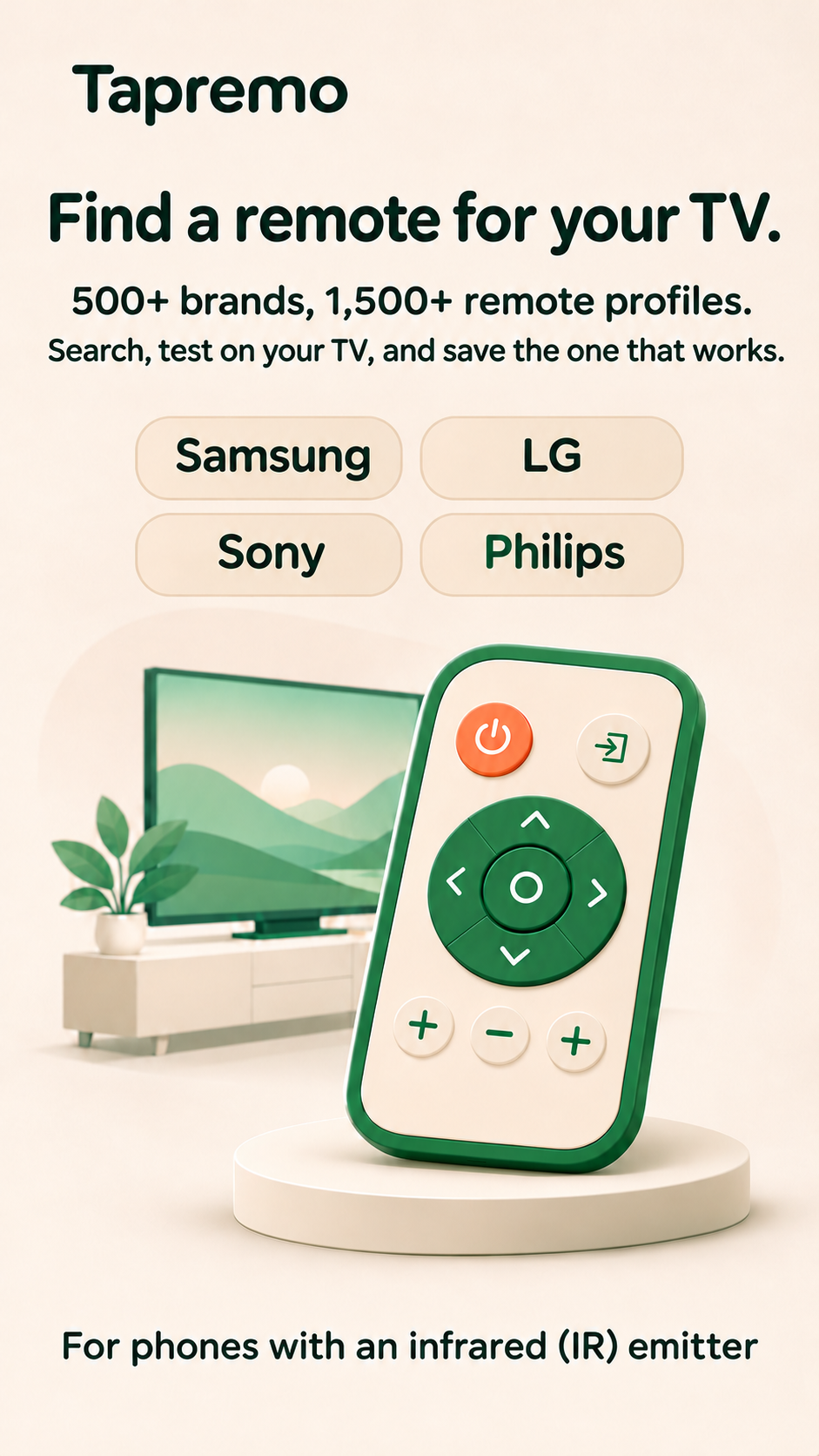
Search Samsung, LG, Sony, Philips, Arçelik, Beko and more. Test power and volume on your TV, then save a remote that works.
 Project journal
Universal IR TV remote for Android
Find a remote for your TV among 1,500+ profiles across 500+ brands. Save the buttons you use together as a routine, then run the steps with one tap.
Requires Android 7.0 or later and a phone with a built-in infrared (IR) emitter.
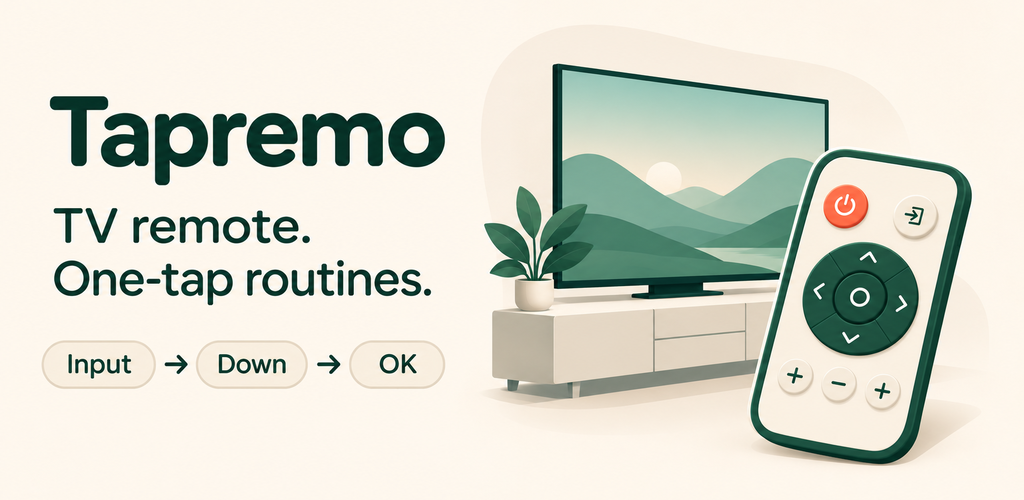
ONE-TAP ROUTINES · MACROS
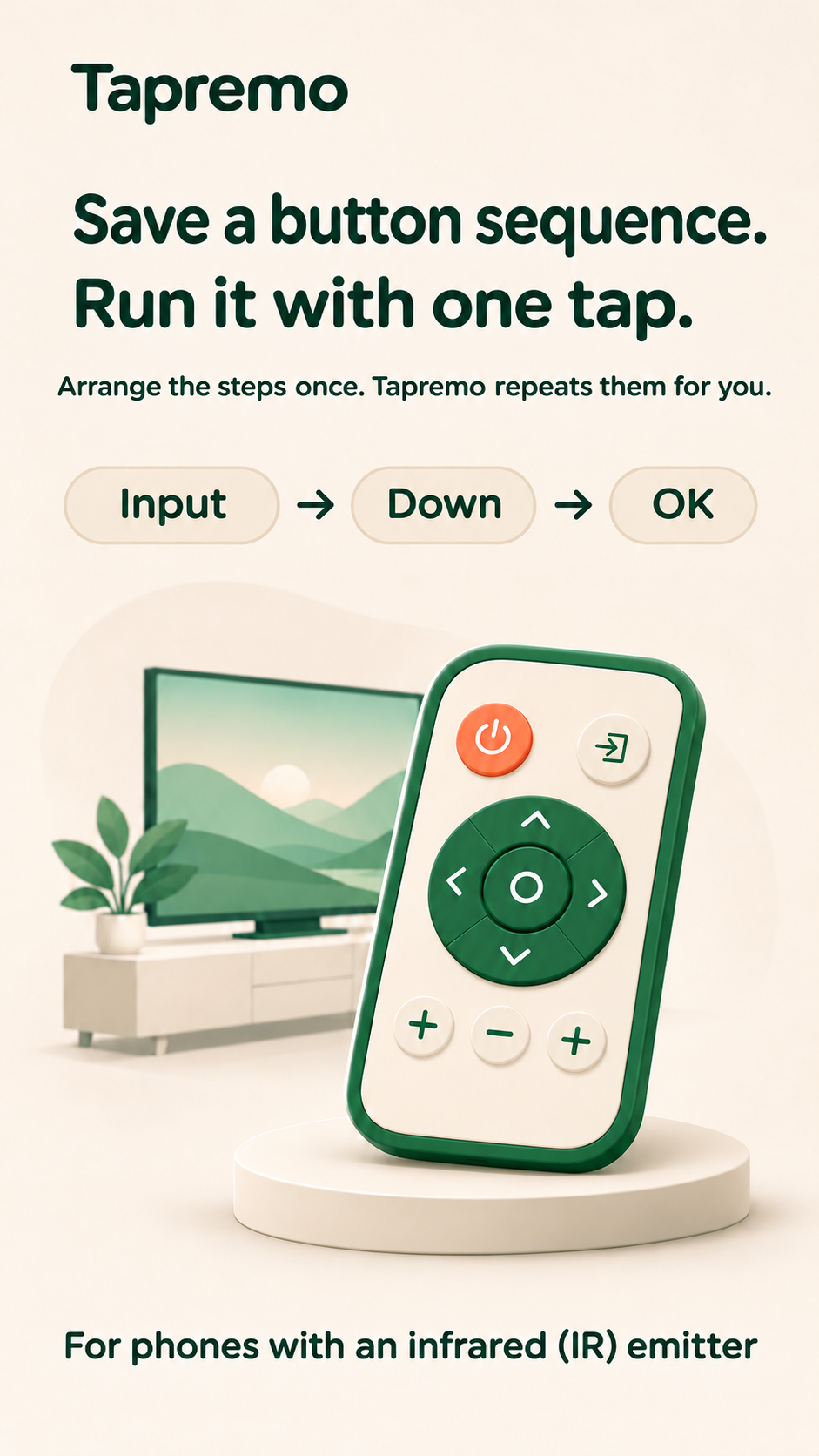
Choose the remote buttons, put them in order and save the steps. Next time, run that routine instead of repeating the sequence yourself.
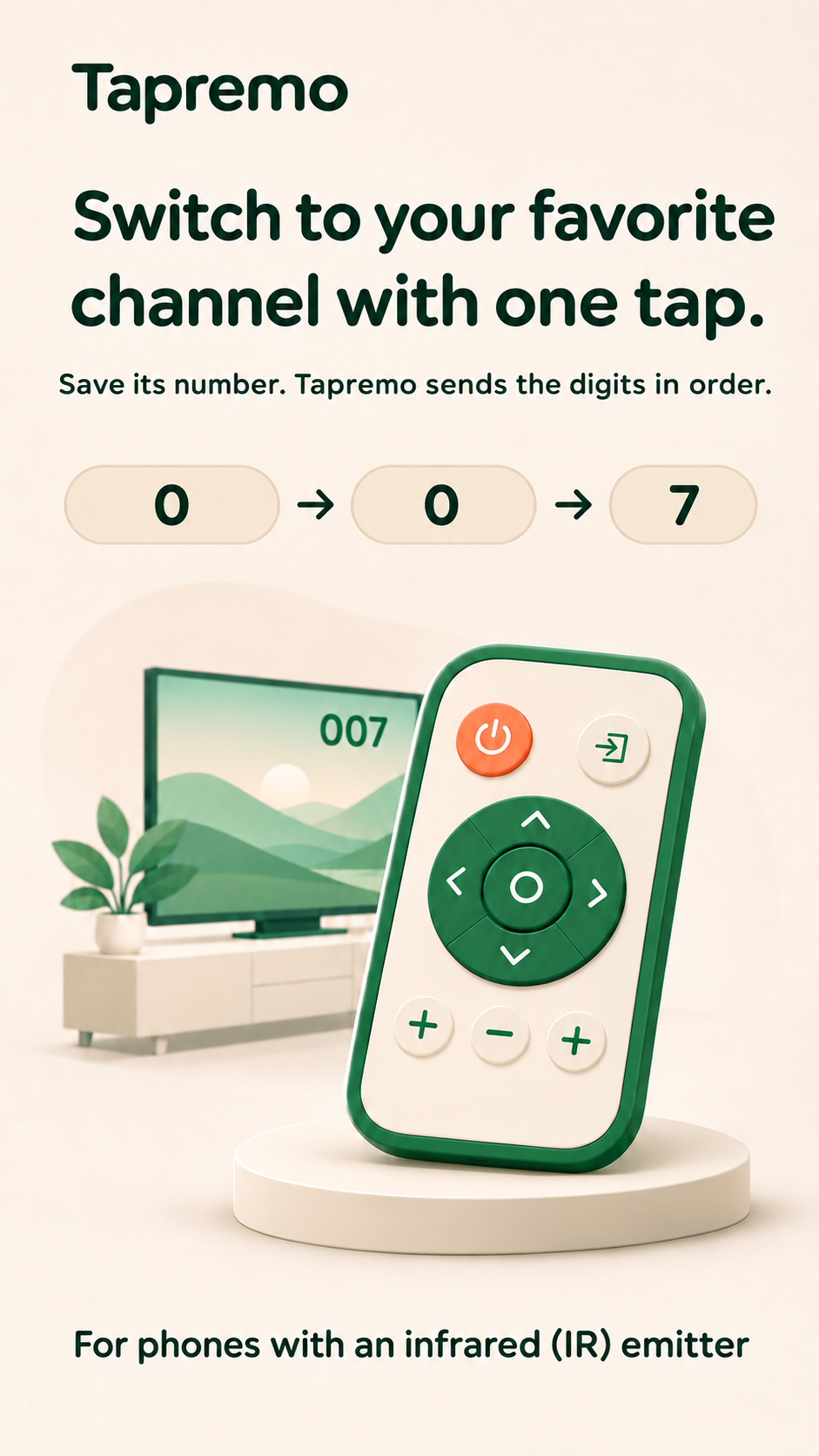
0 → 0 → 7
Save the channel number. Add OK if your TV needs it.
Input → Down → OK
Arrange the steps you use in your TV’s input menu.
Volume − × 3
Start with ready-made volume routines on supported remotes.
Choose a brand, find a remote and test power or volume on your TV. Save a remote that works, then customize its shortcuts and routines.
Search Samsung, LG, Sony, Philips, Arçelik, Beko and more. Test power and volume on your TV, then save a remote that works.
Save different remotes for the living room and bedroom. Customize each TV’s shortcuts and routines.
Back up TV records to a file. Share a single routine with its steps, repeat counts and delays.
Your remote, routines and saved TVs in one place.
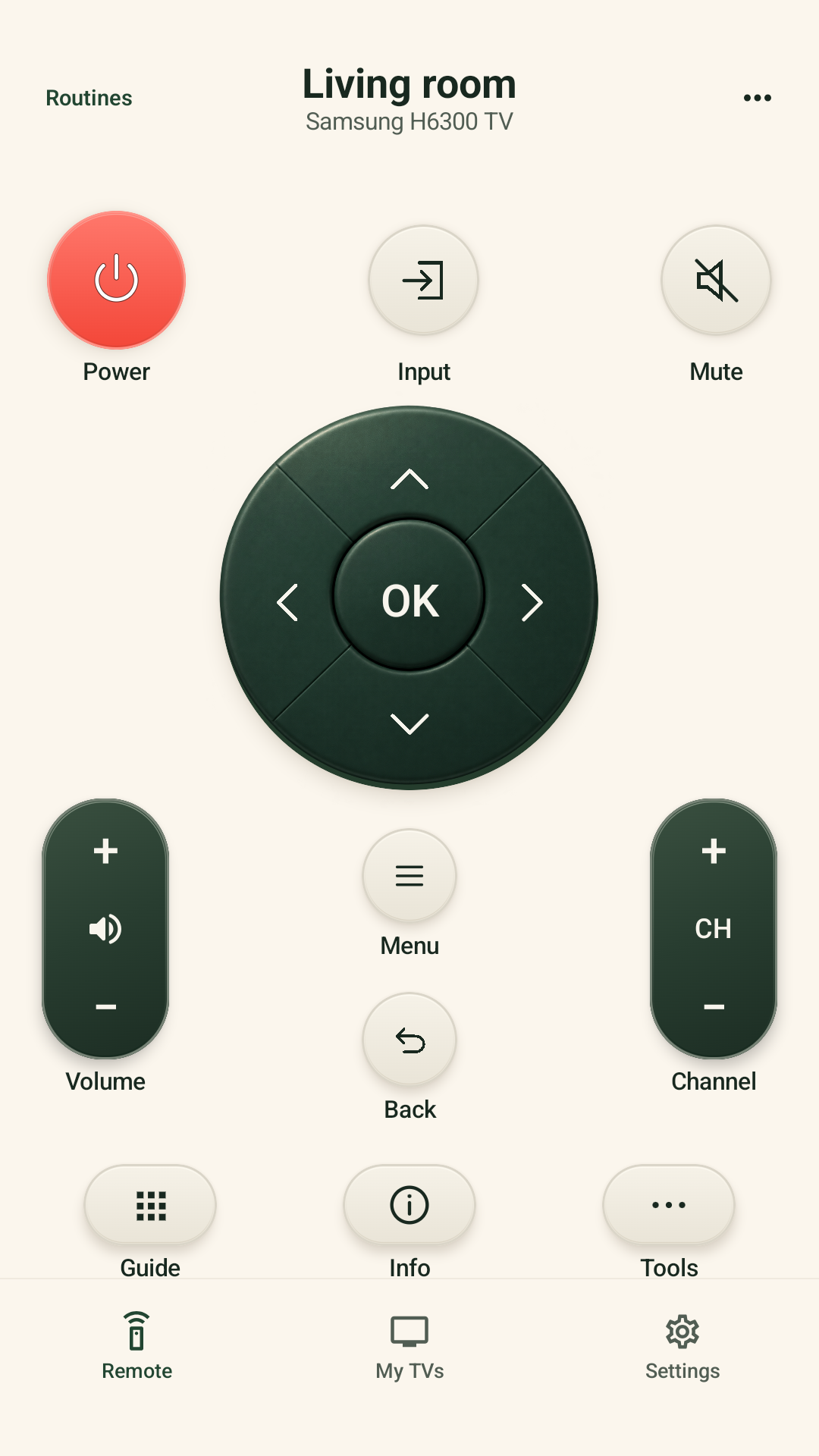
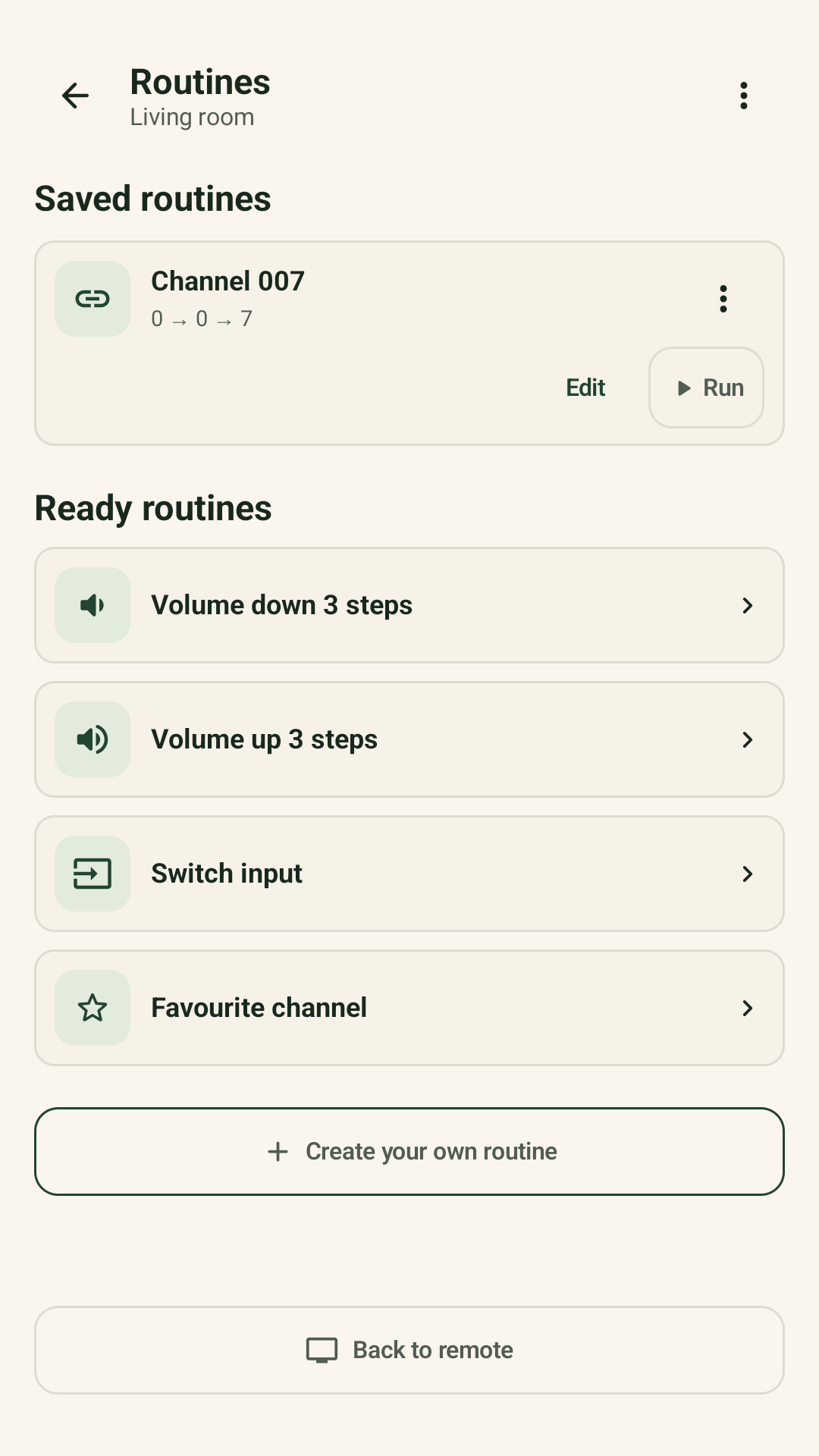
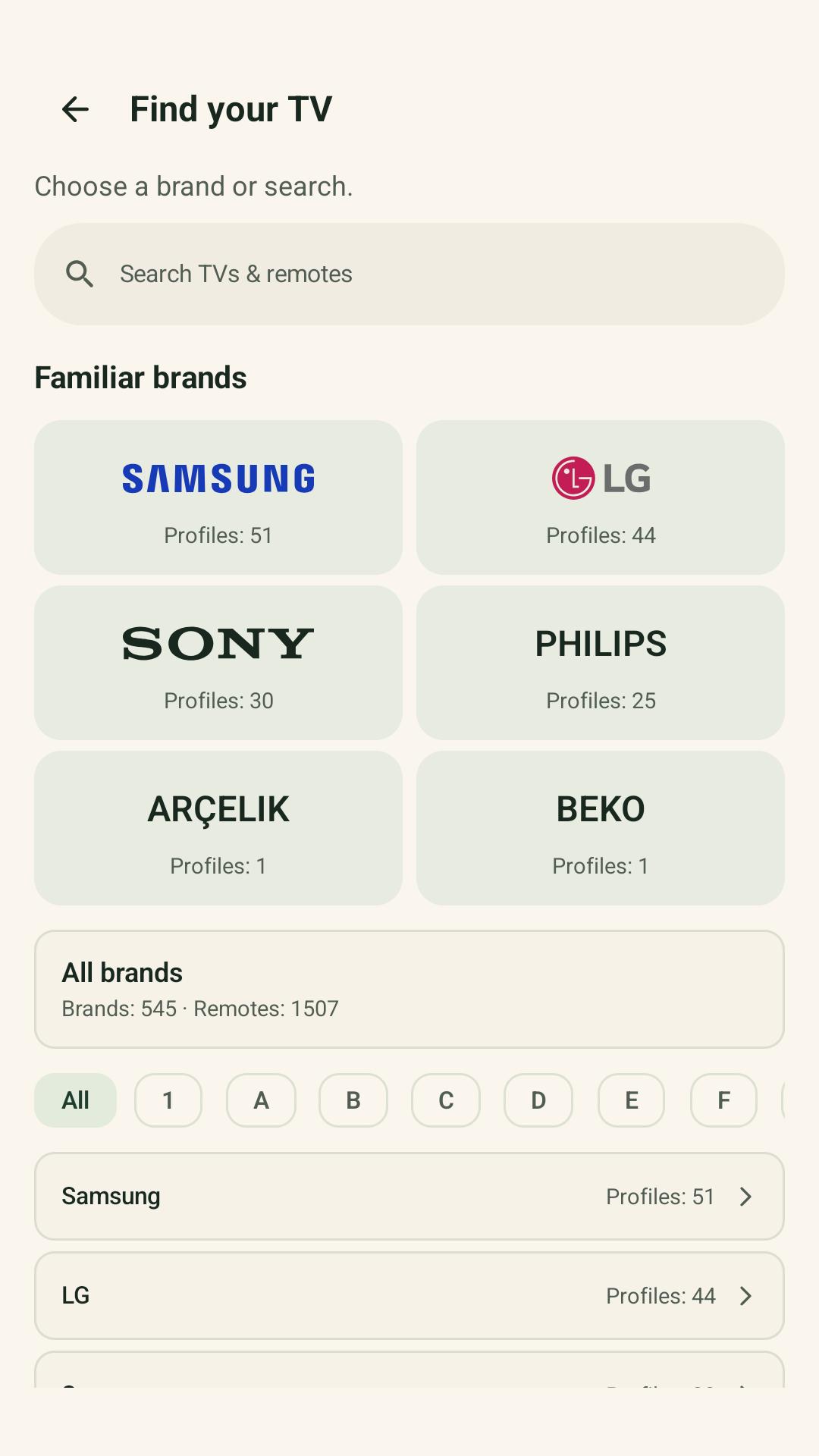
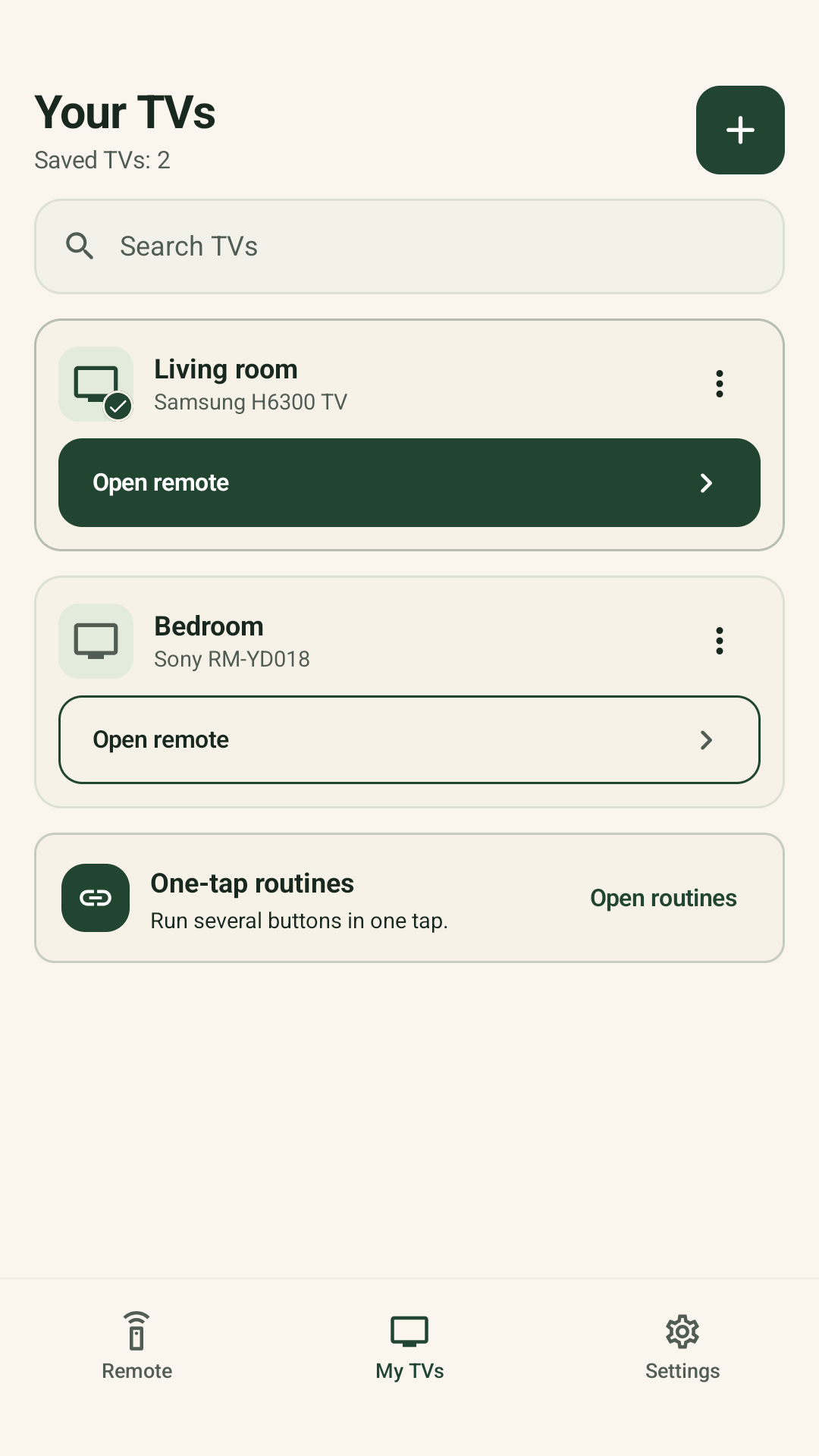
Actual app screenshots with sample TV records. Available buttons depend on the selected remote profile.
Your phone needs a built-in infrared (IR) emitter to send TV commands. Without IR, you can explore the catalog and prepare routines.
It can control older and newer TVs that accept infrared commands and have a compatible profile. Test a remote on your own TV to choose one that works.
A saved sequence of remote buttons that runs in the order you choose. You control the buttons, repeat counts and delays between steps.
Opening a file sends no commands. Review the steps for your own remote and save them first. You decide when to run the routine.